Accounting AI Solver: How to Verify a Ledger Calculation
Listen to article
4:15
To test an accounting AI solver, give it one defined ledger calculation and compare its answer with a total you computed independently. Ask it to list the records it used. Keep the test in a separate worksheet, then check the row list and the arithmetic before using the result in your close.
Use the exercise below to decide whether a proposed result is ready for review. If you need a broader starting point, see Campfire’s Core Accounting overview.

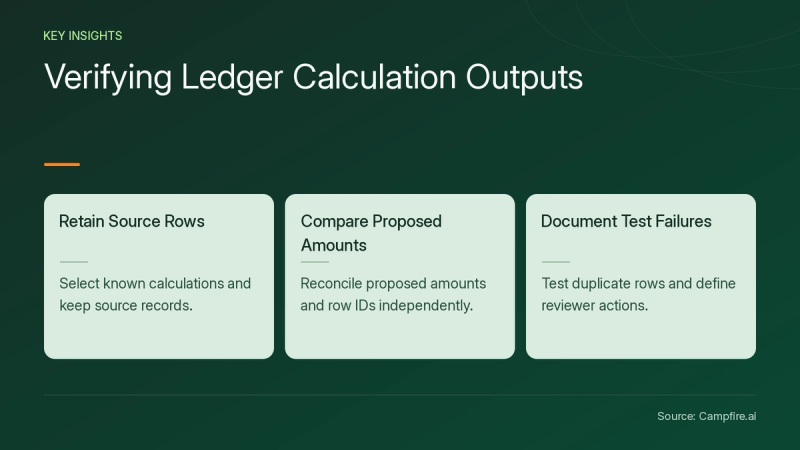
Key Takeaways
- Pick a calculation with a known answer and retain a copy of the source rows.
- Compare the proposed amount and row IDs with your own worksheet.
- Run a duplicate-row test and record what a reviewer should do when it fails.
What should you ask an accounting AI solver to do?
Ask it to calculate one total for a defined list of records. Give it the permitted record IDs, the amount column, and the currency. Request the total, the included IDs and a list of any rows it could not interpret. If a row is missing an amount, ask it to flag that record for your review.
Write down your expected output before you share the sample. For this test, the output is a proposed calculation and a short explanation. Assign a reviewer who can reproduce the result using the original worksheet.
How do you check a ledger total against the source rows?
Start with the three entries in this hypothetical example. Each is denominated in dollars and belongs to the same sample period. Add the three amounts to get an expected total of $250.00.


| Sample ID | Amount |
|---|---|
| A-01 | Amount$125.00 |
| A-02 | Amount$78.50 |
| A-03 | Amount$46.50 |
Enter the three numeric amounts in cells B2 through B4. The Microsoft documentation for SUM[c1] explains how to add values across a range. In this example, enter =SUM(B2:B4) and check that the worksheet shows $250.00. Save a copy with the cell range and the source IDs visible.
Now compare the solver’s proposed total with the worksheet and check the IDs separately. If the proposal counts A-02 twice, its total is $328.50. Check whether the reported row list contains two copies of A-02, and record the $78.50 difference. Correct the input and run the comparison again.
What should you include in a review test?
Prepare a clean case and an exception case. For the exception, insert a second copy of A-02 and ask the solver to flag duplicate IDs before calculating. Compare the answer with your expected result. If the duplicate remains unresolved, send the case back with the row ID and a note about the difference.


For a broader pilot, follow the approach in NIST’s AI Risk Management Framework, Measure 2.3[c2] and assess performance under conditions similar to intended use. For your test, choose sample columns, formats and review steps that reflect the workflow your team plans to use. Keep the expected and observed results alongside each example.
Agree who can accept the result, who handles exceptions and where to retain the evidence. For related reading on workflows to evaluate, see Campfire’s Accounting Intelligence overview.
Conclusion
Start with one ledger calculation and a known answer. Retain the source rows, your independent calculation and the reviewer’s decision. Bring the same sample and review criteria when you get started with Campfire.
FAQ
What should I give an accounting AI solver for the first test?
Use a small hypothetical or anonymized worksheet with stable row IDs, a single currency, and a clear task. Include the expected output format and a rule for missing values.
What should I do if the total matches but the rows differ?
Hold the result for review. Compare the listed IDs with the source worksheet, identify the missing or extra records and repeat the test after the input is corrected.
What should I save after the test?
Keep the sample, the question you asked, the expected total, the proposed answer and the reviewer’s decision together. Record the case you actually ran so a colleague can repeat it.
Sources
- [c1] SUM function | Microsoft Support — support.microsoft.com. Accessed November 13, 2026.
- [c2] AI RMF Core
- AIRC — airc.nist.gov. Accessed November 13, 2026.