Accounting Seed Alternatives: 5 Systems Compared for Switching in 2026
Listen to article
20:46
Accounting Seed alternatives are either full general ledgers or add-on tools that run beside a ledger. This guide compares five general-ledger options and explains when keeping Accounting Seed is the better choice. Evaluate a separate ledger if consolidation, revenue or audit trails must run outside Salesforce. Stay if your close and approvals already run inside Salesforce. Campfire’s core accounting product is one of the options covered here.
Publisher disclosure: Campfire publishes this guide and appears first in the shortlist as an editorial choice. Each vendor is assessed against the same criteria, using public pages retrieved on November 23, 2026.

Key Takeaways
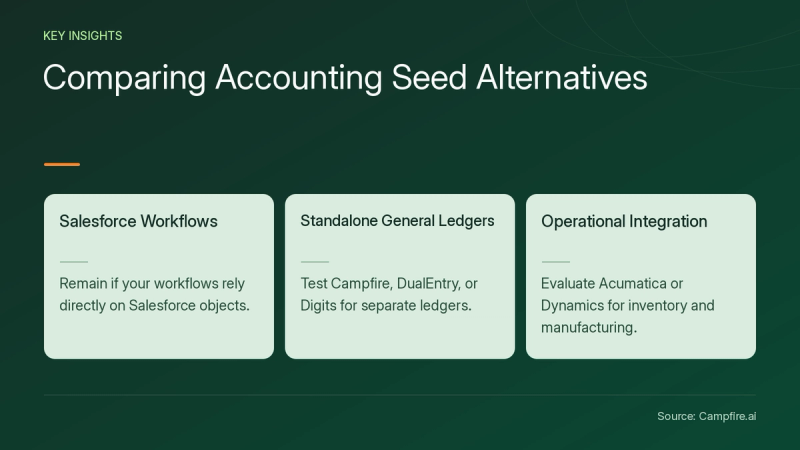
- Stay with Accounting Seed if your workflows, approvals and reports depend on Salesforce objects. Its pages describe multi-entity consolidation with currency translation inside one Salesforce-built system.
- Test Campfire, DualEntry or Digits if you need a separate general ledger. Each publishes consolidation, audit or drill-down features that you must confirm in a demo.
- Consider Acumatica or Microsoft Dynamics 365 Business Central if inventory, manufacturing or project operations must share the ledger with finance.
- Treat list prices as inputs only. Digits and Business Central publish plan prices, Acumatica prices by applications and usage, and Campfire and DualEntry pricing is not documented in the supplied sources.
- Run one transaction through every shortlisted demo, from source document to approval, correction, consolidated report and back to source.
Which Accounting Seed alternative fits your close and controls?
Choose a replacement only when a documented gap in the current workflow cannot be fixed inside Accounting Seed. The table compares the shortlist on the same criteria.
| Vendor | Best-fit buyer | Supported differentiator | Tradeoff | Documented price |
|---|---|---|---|---|
| Campfire | Best-fit buyerFinance teams wanting a separate GL with multi-entity consolidation and contract-based revenue automation | Supported differentiatorRevenue automation for subscription, usage, milestone and transaction billing, with contract modifications handled automatically | TradeoffSalesforce is an integration, not the ledger platform; object coverage needs a demo | Documented pricePricing not documented in supplied sources |
| Acumatica | Best-fit buyerOrganizations combining financials with inventory, manufacturing, distribution or commerce | Supported differentiatorSegmented chart of accounts, approved budget scenarios, consolidation and drill-down to source documents | TradeoffRevenue recognition and Salesforce connectivity are not verified in the supplied pages | Documented pricePriced by applications, usage and resources, and deployment; not by user seats |
| Microsoft Dynamics 365 Business Central | Best-fit buyerMicrosoft 365 users wanting ERP scope with finance, sales, purchasing and inventory | Supported differentiatorMultiple currencies, consolidations and intercompany transactions in the product scope | TradeoffSold through Microsoft’s partner network; Copilot agents and many extensions are priced separately | Documented priceEssentials $80 and Premium $110 per user per month, paid yearly (US snapshot) |
| Digits | Best-fit buyerUS-based businesses or accounting firms prioritizing automated bookkeeping and close | Supported differentiatorLedger-based categorization, reconciliation exceptions and automated schedules | TradeoffService limited to US-based entities; consolidated reporting runs through a partner | Documented priceEssentials $65, Core $100 and Pro $250 per month |
| DualEntry | Best-fit buyerMulti-entity and multi-book groups wanting an append-only ledger with drill-down | Supported differentiatorAppend-only ledger with audit trails, multi-book reporting and one-click drill-down | TradeoffSalesforce object coverage and pricing are not documented in the supplied sources | Documented pricePricing not documented in supplied sources |
Note: Business Central’s pricing page also states that some plans are not available in certain markets, so confirm availability for your entity before comparing costs.
Campfire

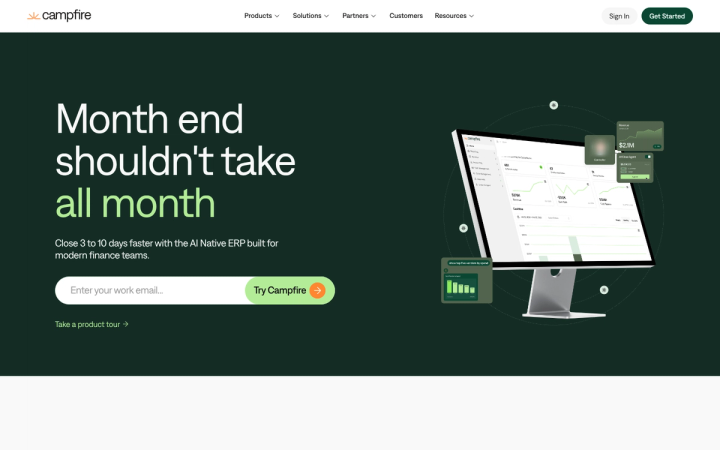
Campfire · https://campfire.ai/
Campfire is best for:
- Finance teams that need a separate general ledger with multi-entity consolidation across currencies, according to Campfire’s Core Accounting page.
- Companies with subscription, usage, milestone or transaction revenue that want contract-to-journal automation under ASC 606 handling.
- Teams that want AI agents to draft journal entries and run flux analysis while a person approves the posting.
- Buyers who want history migrated at transaction level, with a reconciliation workbook.
Campfire’s product pages describe a general ledger with real-time consolidation, multi-currency support, granular permissions and audit trails. The Core Accounting page also lists SOC 1 and SOC 2 certification.
How does Campfire automate revenue?
Campfire’s revenue automation covers subscription, usage, milestone and transaction billing. The page states that contract modifications, upsell and downsell management, and standalone selling price are handled automatically. It also says every change to terms, pricing and dates is tracked with timestamps and user attribution. Test a mid-term contract modification in the demo and trace the resulting journal entries.
How does Campfire handle approvals and close review?
Campfire’s Accounting Intelligence page says proposed categorizations and accruals are reviewed and posted by a person, and that automatic approval thresholds can be set. Campfire’s Rillet comparison page states that nothing posts until a human approves. Those statements conflict for threshold-based entries, so ask which entries post automatically under your configured thresholds.
Tradeoffs: Campfire is a separate ledger, so Salesforce users will change how they enter and review work. Campfire’s Rillet comparison page states live in 8 to 12 weeks, while its migration page says most teams are live by their next close. Those timelines describe different milestones and need a vendor answer. A Campfire customer story describes a team that moved from QuickBooks, not Accounting Seed. The Replit story reports that “Closing revenue alone used to take a full day. Now it takes 30 minutes.” Tim Ryan, Senior Accounting Manager at Replit, gave that account, and it reflects one customer’s experience.
Acumatica

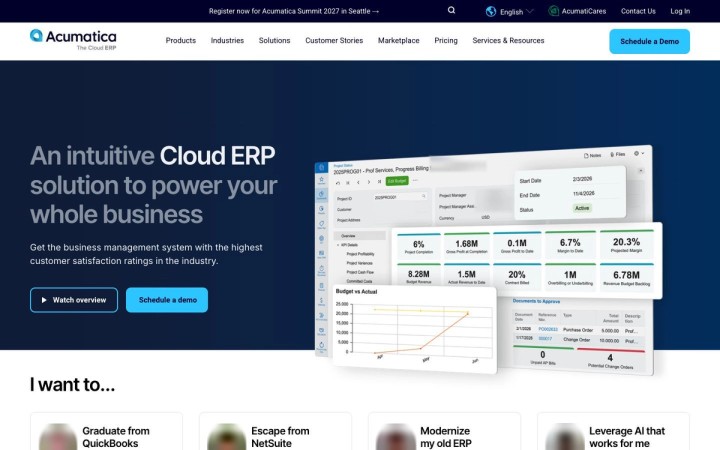
Acumatica · https://www.acumatica.com/
Acumatica is best for:
- Organizations running inventory, manufacturing, distribution or commerce operations that must share a ledger with finance.
- Teams that want account and subaccount segments, approved budget scenarios and consolidation in one system.
- Commerce sellers using native Amazon, Shopify or BigCommerce connectors.
- Buyers who prefer pricing tied to applications and usage rather than user seats.
Acumatica’s cloud ERP General Ledger page describes configurable segments, allocations, budgeting, consolidation and approval workflows. Journal entries can be approved by rules based on batch type and transaction process.
What does Acumatica’s general ledger control?
Acumatica’s general ledger keeps an audit trail and controls how posted entries are changed. The page states: “Entries cannot be deleted. Corrections require adjusting entries.” It also says the system tracks the user who entered each transaction. Consolidation combines entities with different currencies or account structures, and the page says intercompany adjustments are preserved. Its drill-down links balances to originating documents, including transactions created in other modules.
Tradeoffs: The supplied GL page describes AI anomaly detection as managed availability, with Phase 1 focused on account reclassifications. Revenue recognition and Salesforce connectivity are not documented in the supplied pages. Acumatica’s pricing page describes pricing by applications, usage and resources, and deployment, and it does not publish a per-user rate. Ask for a quote covering your entities, localizations and deployment choice. Acumatica’s pricing page is the source for that structure.


Microsoft Dynamics 365 Business Central

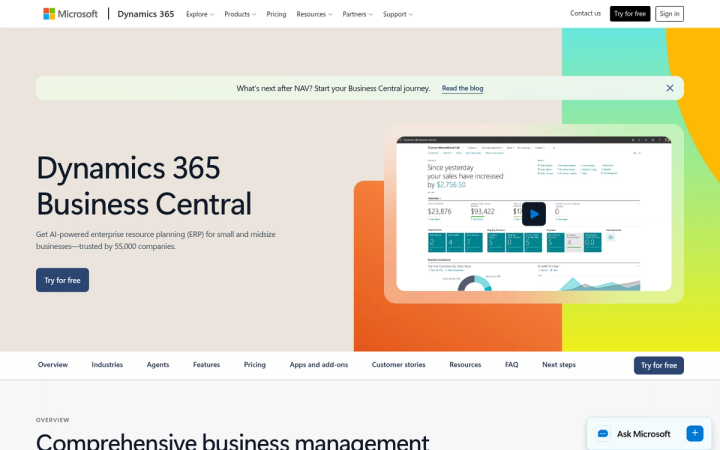
Microsoft Dynamics 365 Business Central · https://www.microsoft.com/en-us/dynamics-365/products/business-central
Microsoft Dynamics 365 Business Central is best for:
- Microsoft 365 organizations that want finance, sales, purchasing and inventory in one ERP.
- Multi-entity groups that need consolidations, intercompany transactions and multiple currencies inside the product scope.
- Buyers who accept a partner-led sale and implementation.
- Manufacturing and service-order needs, which require the Premium plan.
Business Central’s product page describes support for multiple currencies, exchange rates, consolidations and intercompany transactions. It also describes Microsoft 365 connectivity, including Excel and Teams access.
How does Business Central handle consolidation and extensions?
Business Central’s product scope includes consolidations, but the supplied pages do not show how deep the consolidation workflow goes. Third-party AppSource listings add functions. For example, Apptitude’s Multi-Entity Control listing says it balances general ledger entries by global dimensions, and its Multi-Currency GL listing starts at $10.00 per user per month. Those are separate vendors and separate prices.
Tradeoffs: The pricing page lists Essentials at $80 and Premium at $110 per user per month, paid yearly. Sales Order Agent and Payables Agent require Copilot Credits sold separately. Business Central’s FAQ states that the product is sold and supported exclusively through Microsoft’s partner network. Partners may also provide implementation, but the FAQ does not establish that every implementation must use one. The Forrester study cited on the page was commissioned by Microsoft and uses a composite organization, so treat it as vendor-commissioned context. Test Salesforce integration, audit lineage and local statutory requirements in the demo, since the supplied pages do not document them.
Digits

Digits · https://digits.com/
Digits is best for:
- US-based businesses, because the pricing page says services are available only to US-based entities.
- Accounting firms managing many client books on per-client plans.
- Owners of several entities who accept separate entity books and need consolidated reporting through a partner.
- Teams that need budget versus actuals, which appears only on the Pro plan.
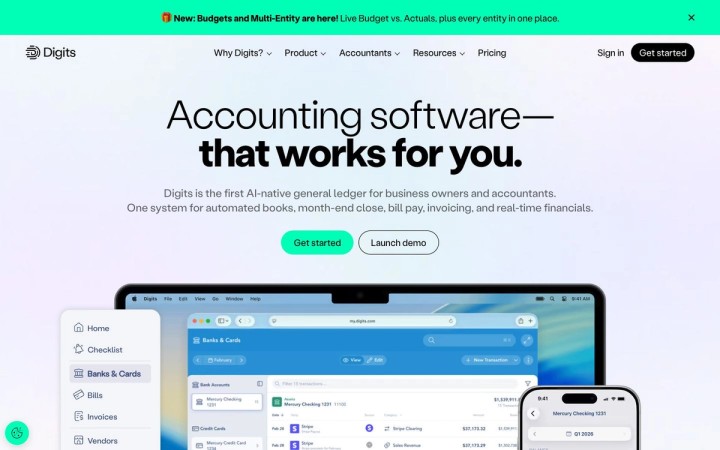
Digits describes an AI-native ledger that automates bookkeeping and close. Its Agentic Close process moves through collect, book, reconcile, schedule, review and report steps.
How does Digits handle reconciliation and review?
Digits’ Agentic Close page says reconciliation matches transactions against source activity and attaches each match to a bounding box on the statement PDF. Its review step evaluates categorization, balances, duplicates and anomalies, and quality control is configurable by party, category and materiality threshold. The same page states that 95% or more of transactions post without a human touch. The page does not say which clients or plans that figure covers, so treat it as unverified for your business.
Tradeoffs: Plans are Essentials at $65, Core at $100 and Pro at $250 per month, with additional entities free up to 250 transactions per year and then from $35 per month. Consolidated reporting is provided through a partnership with Reach Reporting, not native consolidation. Digits’ pricing page conflicts with its FAQ on custom dashboards. The plan table lists them as firm-partner features on Essentials and Core, while the FAQ says Core and Pro add custom dashboards. Confirm the applicable plan with Digits. The Connect API page states that writes are idempotent and that locked periods do not post until approved. Revenue recognition under ASC 606 is not documented in the supplied pages.
DualEntry

DualEntry · https://www.dualentry.com/
DualEntry is best for:
- Multi-entity groups that need consolidation, intercompany automation and multi-currency reporting in one ledger.
- Teams that need parallel reporting across GAAP, IFRS, tax and cash-basis books.
- Finance teams that want full transaction-level history and attachments migrated by a CPA-led team.
- Buyers who plan custom automations through an API.
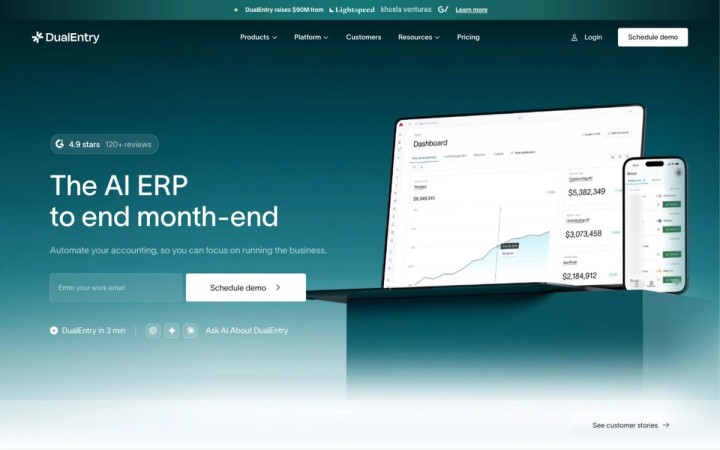
DualEntry’s site describes an AI-native ERP. Its General Ledger page describes an append-only ledger with audit trails, drill-down to source transactions and approval workflows with rules and dimension controls.
What does DualEntry’s ledger record and prove?
DualEntry’s General Ledger page describes an append-only ledger that keeps audit trails on transactions and user access. Its one-click drill-downs link reported figures to source transactions. Approval workflows can use smart rules and dimension controls. The page also describes automated allocations, amortization and depreciation, and AI-assisted anomaly detection before approval. Multi-book reporting covers IFRS, GAAP, tax, cash basis and user-defined books.


Tradeoffs: The implementation page states that migration includes all transaction history and financial documents, and that data is ingested in 24 hours. Its homepage says the company goes live in under 30 days. Those timeframes measure different milestones, so ask what each covers. The FAQ says there is no free trial, while the same implementation page describes a free sandbox with migrated data, so ask for the sandbox terms. The homepage displays Salesforce among integrated systems, but the supplied pages do not document object-level coverage. API access requires a partner form and an API key. Pricing is not documented in the supplied sources.
When is the other product the better choice?
Choose Accounting Seed over Campfire or DualEntry when Salesforce objects, flows and reports carry the daily close, and your approvals and permissions already work there. Choose Acumatica or Business Central over Campfire when inventory, manufacturing, project or commerce operations must share one system with finance. Choose Digits over Campfire, DualEntry or Acumatica when the business is US-only, bookkeeping-first, and fits a plan at $65 to $250 per month. Choose DualEntry over Digits when you need parallel GAAP, IFRS, tax or cash-basis books in one ledger.
When is Campfire the better choice?
Choose Campfire when your constraints are revenue complexity, entity consolidation and migration depth. Its revenue pages describe automated contract-to-journal entries for subscription, usage, milestone and transaction billing, and its migration page describes line-by-line journal loading with a reconciliation workbook. It is a weaker fit if your operations ledger, inventory or manufacturing data must live in the same system, since the supplied pages focus on accounting and revenue.
When should you keep Accounting Seed?
Keep Accounting Seed when the gap is in a workflow that already lives in Salesforce, not in the ledger itself. Accounting Seed’s pages describe a Salesforce-built system with no integrations or syncing required, and its multi-company page describes consolidation across two or more entities with currency translation and budget-versus-actual comparisons. Its Salesforce connectors page documents nonprofit and field-service connections. Its Sage Intacct comparison page makes claims about other vendors, including Salesforce connectivity, but those are vendor positioning. They are not repeated here and need independent verification. Accounting Seed pricing is not documented in the supplied sources.
How should you test a switch before you commit?
Run one scenario through every shortlisted system and switch only if the result survives export and reconciliation. Use these steps:
- Define one scenario set: an accrual, an approved journal, a correction, an intercompany pair and a contract modification.
- Assign ownership: the customer’s finance lead owns policies, mappings and sign-off. The vendor or implementation partner owns extraction, loading and connector setup under a written statement of work.
- Record observable results: which entries post automatically, which surface for review and which thresholds you can configure.
- Test integrations by object: list each Salesforce object, field mapping, sync frequency, failure alert and replay owner.
- Reconcile one migration sample: trial balance by entity and period, open AP and AR, bank balances, deferred revenue, fixed assets and intercompany balances.
- Run a parallel close: compare results with the incumbent before cutover approval.
SAPinsider’s 2025 close research reported that 24% of respondents cited integration and harmonization across multiple financial systems or ERP instances. That is an evaluation priority, not evidence about Accounting Seed customers. For cost, build a like-for-like worksheet covering licenses, modules, integration maintenance, migration labor, training and post-go-live support. List prices cover only part of that total.
Methodology and evidence limits
Criteria were accounting controls and audit lineage, consolidation, revenue handling, reporting, integrations, migration and cost. The evidence comes from acquired vendor pages retrieved on November 23, 2026. Competitor-site comparisons and third-party listings were used only for discovery and are labeled as such. Conflicts to resolve before publication include Campfire’s implementation timing, Campfire’s approval statements, Digits’ custom-dashboard plan details, DualEntry’s onboarding timeframes and free-sandbox wording, Acumatica’s anomaly-detection phase and Business Central’s market availability notice. Customer quotes are individual accounts, not typical outcomes. Re-verify these claims against the snapshots before publication and monthly thereafter.
Conclusion
Accounting Seed remains the right choice when Salesforce is the system of record and the gap is workflow, not ledger depth. Choose a separate ledger only when your transaction test shows a control or consolidation gap that cannot be fixed in place. Run the same scenario in every demo before you commit. If a separate ledger passes that test, you can get started with Campfire and run the scenario on your own data.
FAQ
Is Accounting Seed a Salesforce accounting app?
Accounting Seed describes itself as cloud-based accounting software built on Salesforce. Its homepage says it runs directly inside Salesforce with no integrations or syncing required. Confirm which Salesforce objects, permissions and reports your team uses before deciding whether that architecture fits.
Can Accounting Seed consolidate multiple entities?
Yes, according to Accounting Seed’s multi-company page, which says it consolidates financial data from two or more entities and translates currency during consolidation. The same page lists budget-versus-actual comparisons. Test your own elimination and translation-adjustment cases before treating that as sufficient.
Which alternatives publish pricing?
Digits publishes plan prices on its pricing page, and Microsoft publishes per-user prices for Business Central on its pricing page. Acumatica describes pricing factors rather than a per-user rate. Pricing for Campfire, DualEntry and Accounting Seed is not documented in the supplied sources, so request written quotes.
How long does migration take?
Timelines differ by vendor and by milestone. Campfire’s Rillet comparison page states live in 8 to 12 weeks, while its migration page says most teams are live by their next close. DualEntry’s homepage says live in under 30 days, and its implementation page says data is ingested in 24 hours. Ask each vendor what each timeframe includes, including data import, sandbox, first close and full go-live.
Sources
- Acumatica | Cloud ERP Business Management System — acumatica.com. Accessed November 23, 2026.
- Acumatica Pricing | ERP Software Cost & Subscription Plans — acumatica.com. Accessed November 23, 2026.
- Business Central | Microsoft Dynamics 365 — microsoft.com. Accessed November 23, 2026.
- Digits - AI-Native Accounting Software — digits.com. Accessed November 23, 2026.
- The Agentic AI ERP | DualEntry — dualentry.com. Accessed November 23, 2026.