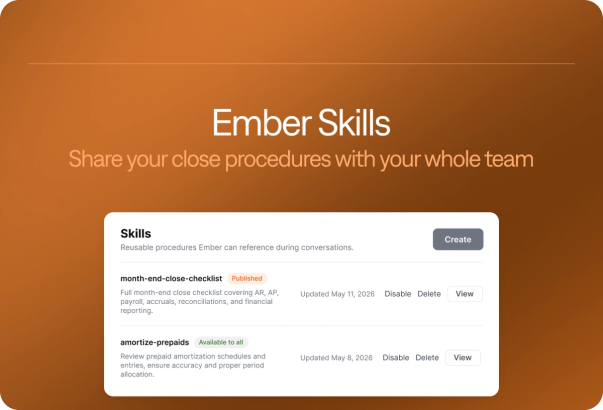
Describe a report. Ember builds it.


Today we're releasing a faster way to build a custom report in Campfire: describe the report you want, and Ember builds it.
Type /campfire-custom-report in Ember chat and say what you need. Ember creates the report directly in Custom Reports, saved and ready to open, instead of handing back an export or a table inside the chat. Then ask for changes the way you would ask a colleague, and Ember keeps building on the same report.
This is a heavily requested feature, and it is live now.
How it works
- Type the command. Enter
/campfire-custom-reportin Ember chat. The command menu describes it as building the report you describe in Custom Reports and giving you a link to open it. - Describe the report. Write what you need in plain language. In our demo, the request is total spend by vendor across operating expenses and cost of goods sold, from January 1 to September 30, largest first.
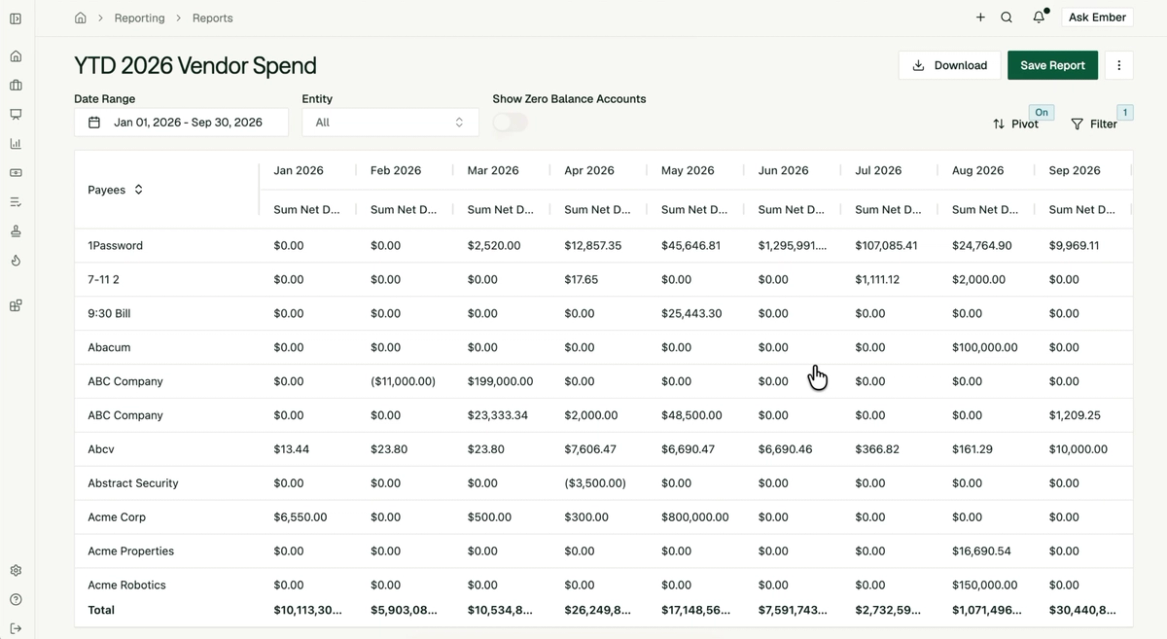
- Open it. Ember builds the report in Custom Reports and returns a link. The report opens with its date range, entity, and filters set, ready to adjust, download, or save.

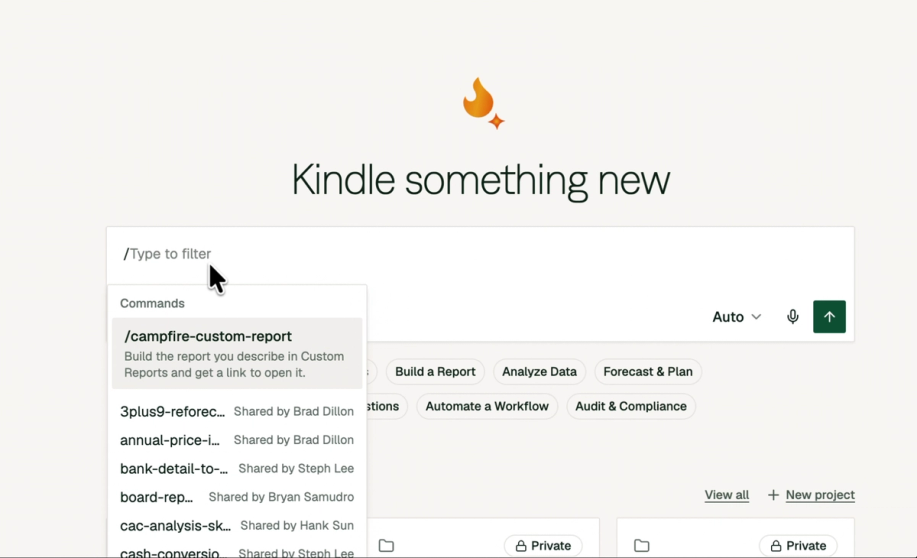
The result is a real report in Custom Reports, the same place you build and manage reports by hand.
What Ember can build
Ember builds three kinds of reports from a description:
- Transaction reports
- Income statements
- Balance sheets
Before it saves a report, Ember checks its own numbers. You get a report that has already been through a check, and the full report is open in front of you to review.
Keep building on the same report
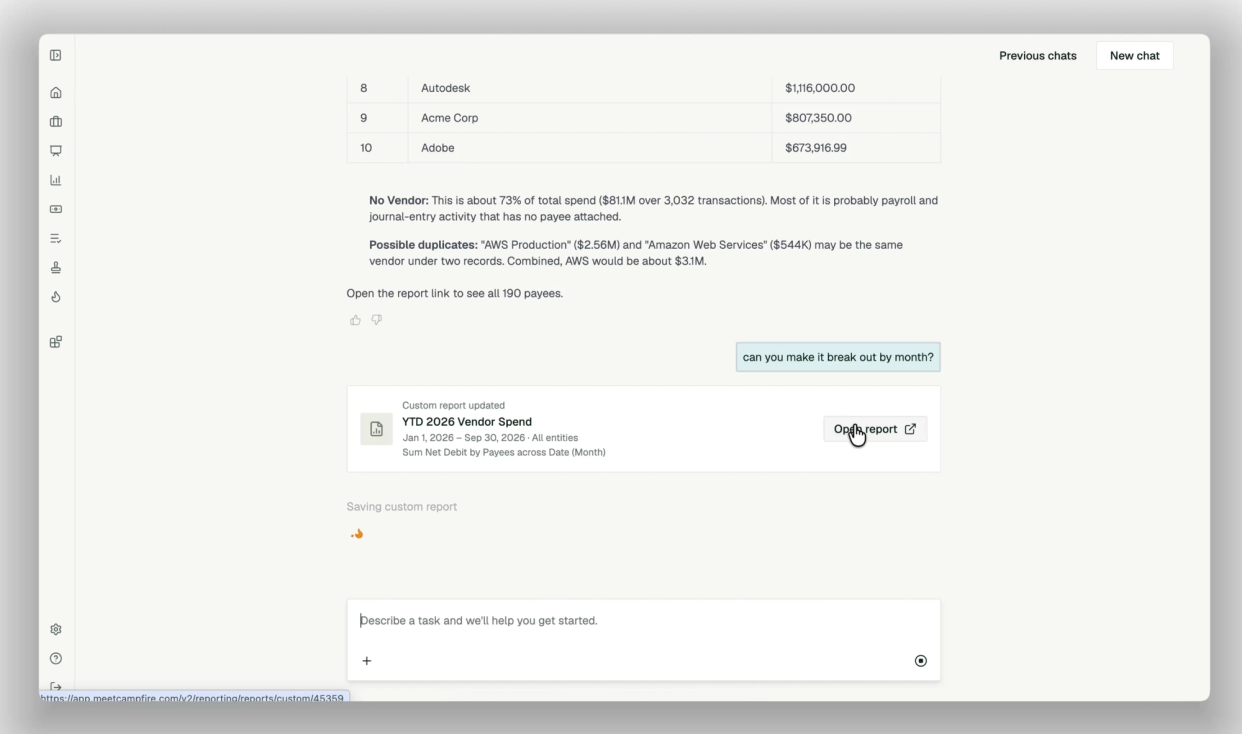
The first report is a starting point. Ask a follow-up in the same chat and Ember updates the report you already have, instead of starting over.
In the demo, the follow-up is "can you make it break out by month?" Ember updates the report, and it reopens with payees down the side and January through September across the top, with Pivot on. Other follow-ups work the same way, such as "group it by vendor."

Why this changes custom reporting
Building a custom report has usually been a small project. Pull the data, rebuild it in a spreadsheet, check the numbers, then start over when someone asks for it by month.
With Ember, the request and the report are the same step. You describe what you need, and the report exists in Campfire with its numbers checked.
If your team still builds reports by hand, most of that work is assembling the report, not deciding what it should say. Ember takes over the assembling.

Get started
/campfire-custom-report is live in Ember now. Open Ember chat, type the command, and describe the first report you would normally build by hand. Ember saves it in Custom Reports under Reporting.