February Product Update

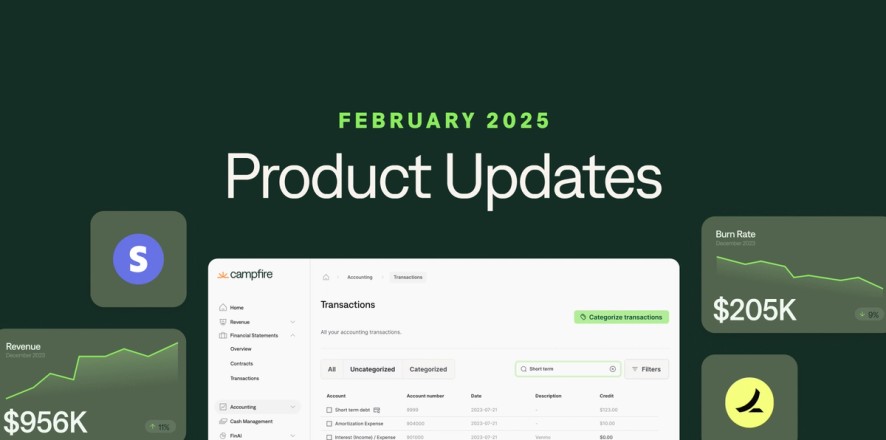


At Campfire, we're constantly working to improve your experience. We’ve been listening to customer feedback and working hard to refine our product.
The below update represents the 8 notable features launched in February.
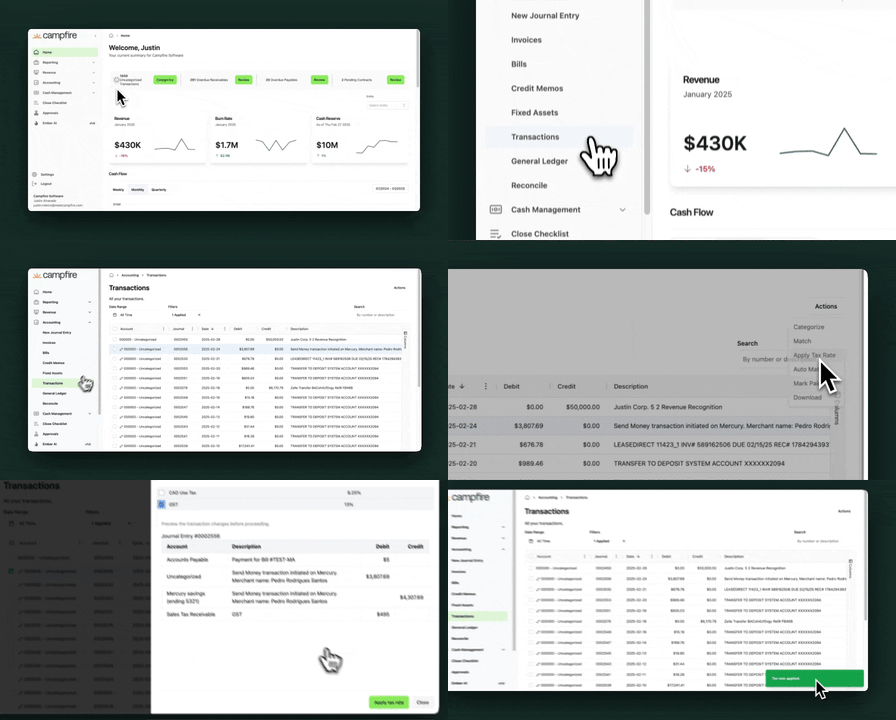
Break out sales tax receivable on expenses
Automatically calculate and categorize any sales taxes paid on bills to assist with sales tax filing requirements.
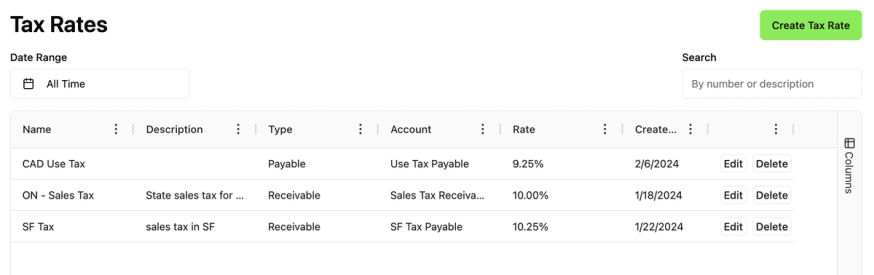
You can set up your sales tax rates here.
Once your tax rates are set up, you can break out the sales tax receivables via Accounting > Transactions > select one or multiple transactions > select the Actions button > select Apply Tax Rate.

Sphere integration
We support a fully automated sales tax application experience through integrations with Sphere and Avalara.


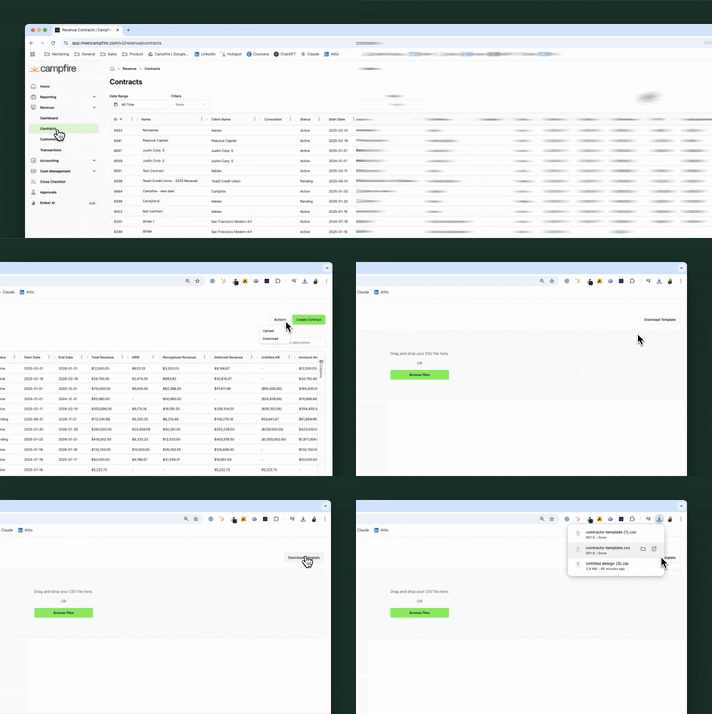
User-facing import updates
Bulk upload your contracts, vendors & customers, and products & services from a spreadsheet directly into the system!

New integration: Avalara
Connect your Avalara account and automatically calculate sales tax on your customer invoices.
To connect your Avalara account, please navigate to this page.


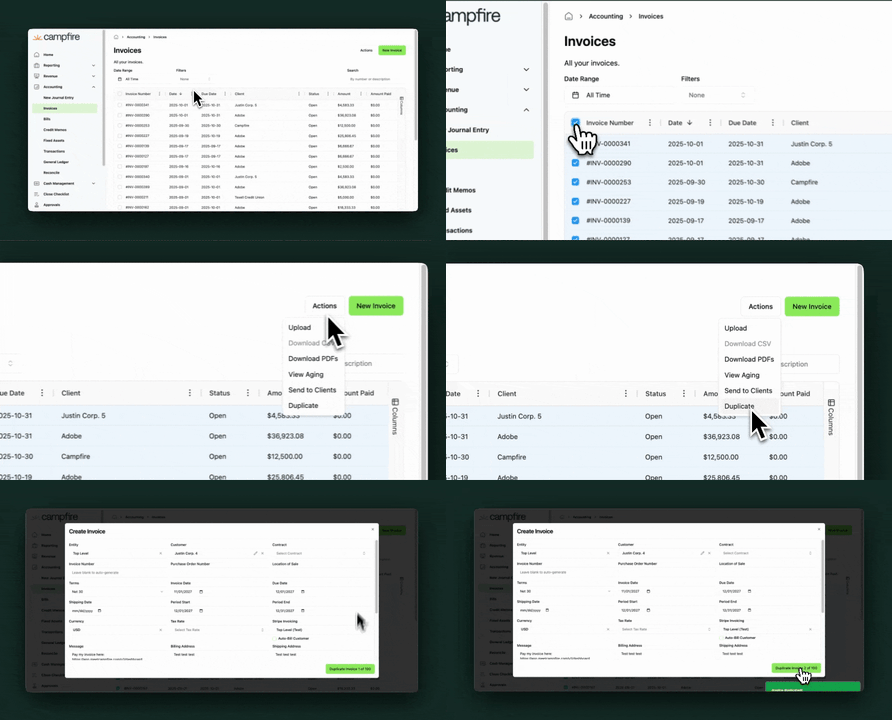
Bulk duplicate invoices
Duplicate multiple invoices at once with our bulk duplicate feature! Simply select which invoices you’d like to duplicate > Actions > Duplicate.

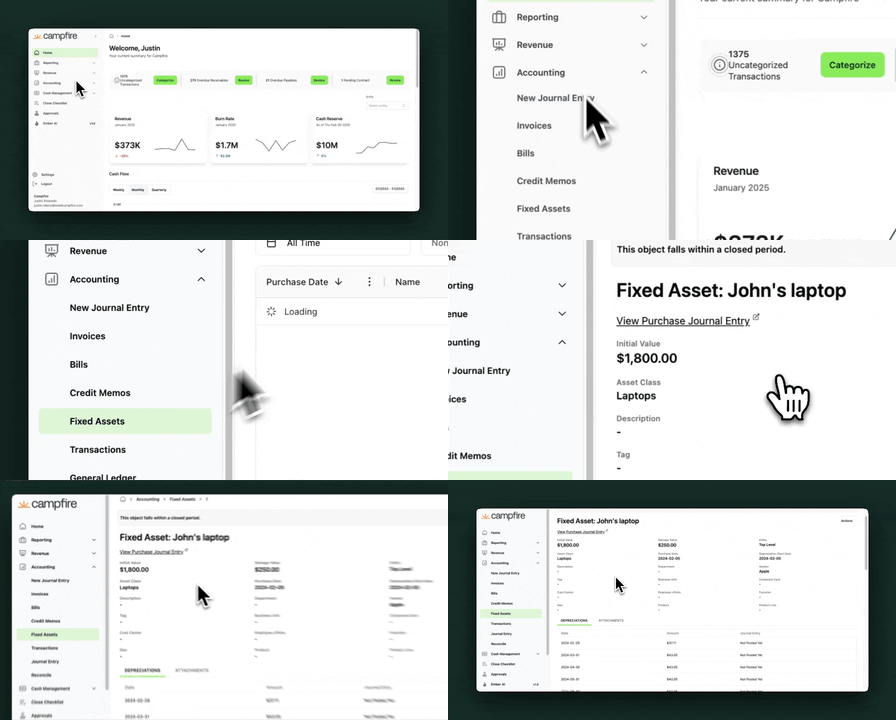
Fixed Asset Module
Track your fixed assets and prepare amortization schedules in Campfire!
- To set up a fixed asset, you’ll need to set up a Fixed Asset Class in the Settings page.
- Create a new fixed asset by accessing the Accounting > Fixed Assets page. You can either create a one-off fixed asset or upload multiple via a CSV upload!
- At month-end, you can run your depreciation entry via the Close Checklist.

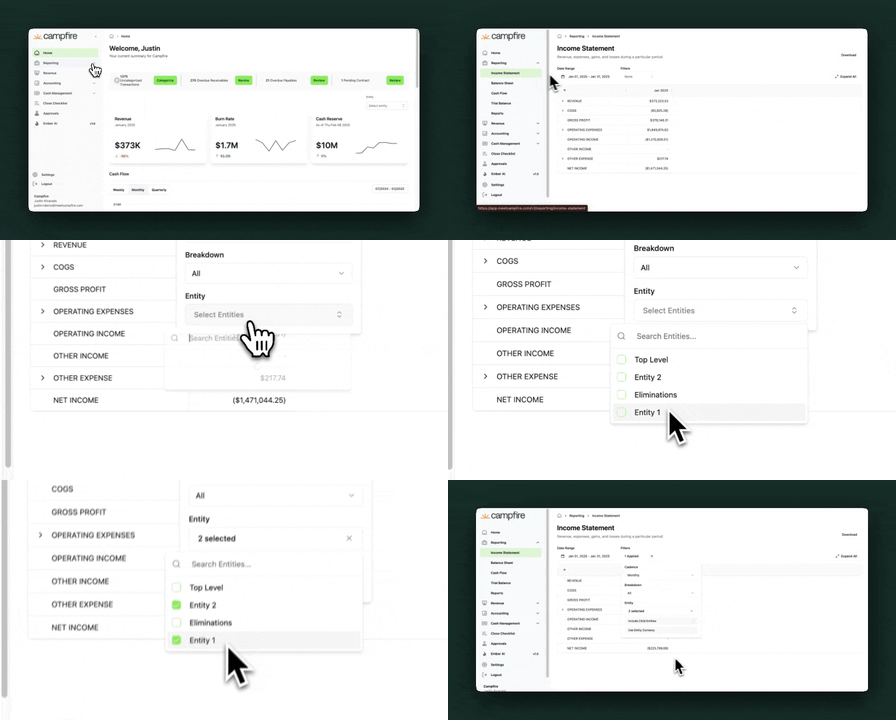
Entity multi-select in reporting
Select specific entities in your organization to report on when running your Income Statement and Balance Sheet.

Tax Rates on Invoices and bills
Apply preset tax rates to your invoices and bills. You can create new Tax Rates in your Settings page.

-----
We value your opinions! Please contact us at [email protected] with any feedback.