January Product Update

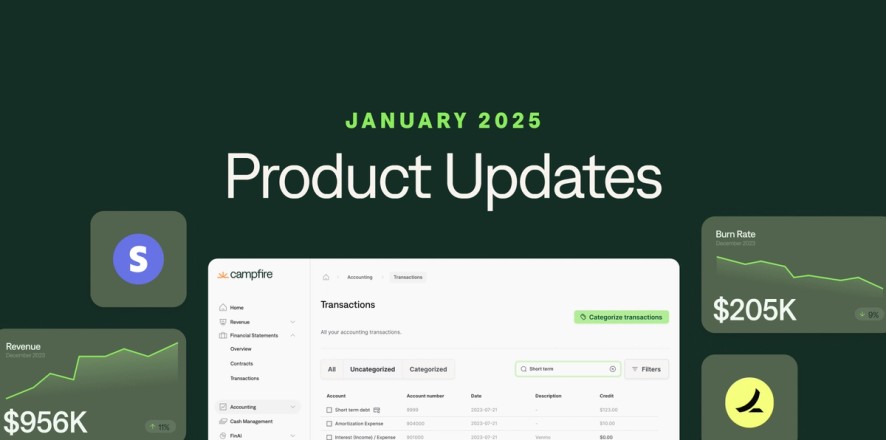


At Campfire, we're constantly working to improve your experience. We’ve been listening to customer feedback and working hard to refine our product.
The below update represents only a few of the 16 notable features launched in January.
Ramp integration updates
No more manually updating your accounting fields in Ramp! Automatically sync your Campfire chart of accounts, departments, and tag groups into Ramp.
To enable this, you will need to delete and re-connect your Ramp connection in Campfire. You can do this via the Settings page > select Ramp in the Settings sidebar. When setting up your new connection, ensure that you enable “Sync Accounts, Vendors, Departments, and Tags with Ramp”.
Please ensure that the above step is only completed if you are up to date with categorizing items in Ramp.
Prepaid waterfall report
Track how your prepaid bills are allocated over time. Easily run the report via our Reports page.
Note: You can set up bill amortization within a Bill > Actions > Create Amortization

Tag Groups
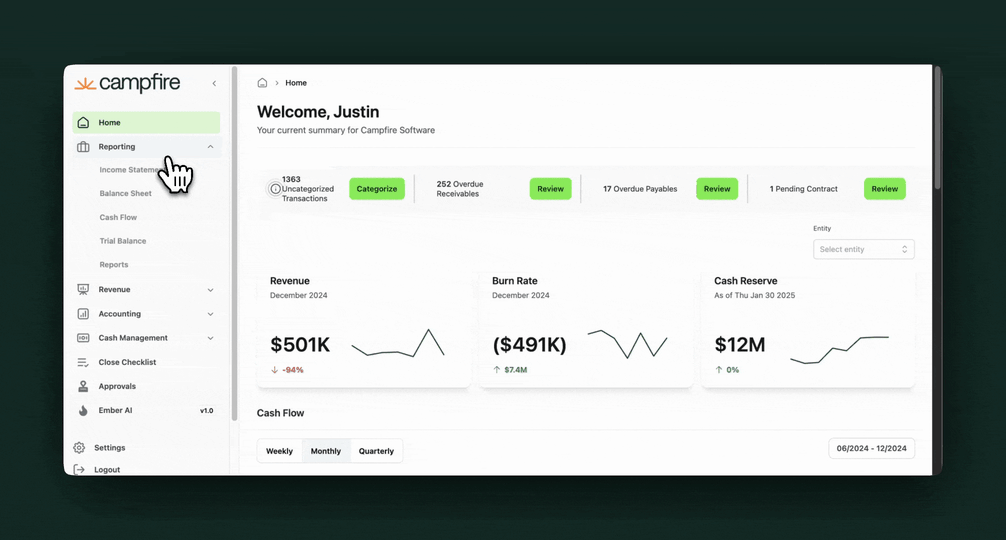
Add additional dimensions to your transactions to allow for detailed reporting.

Journal entry export
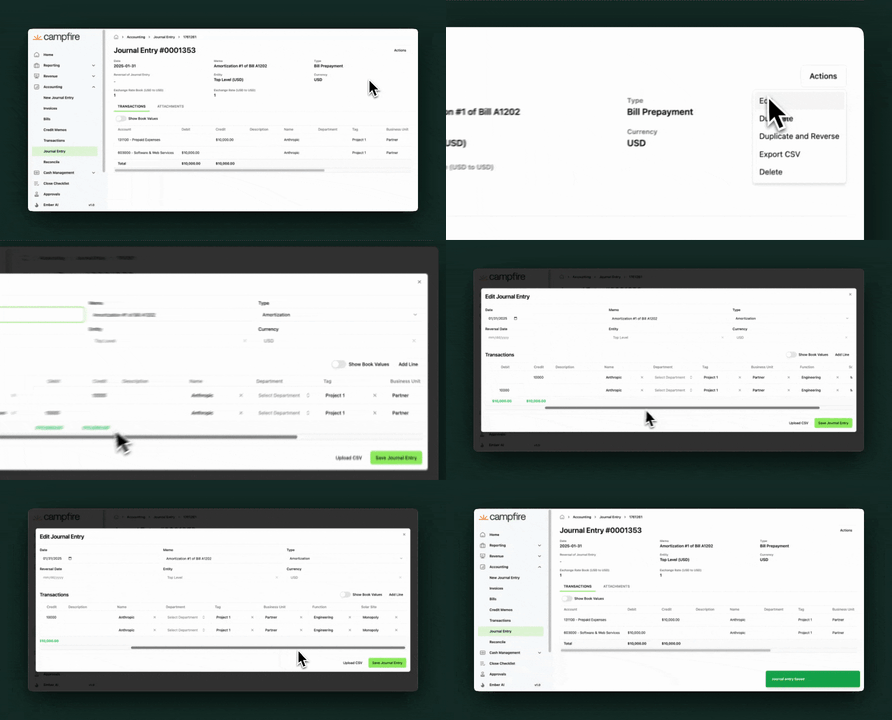
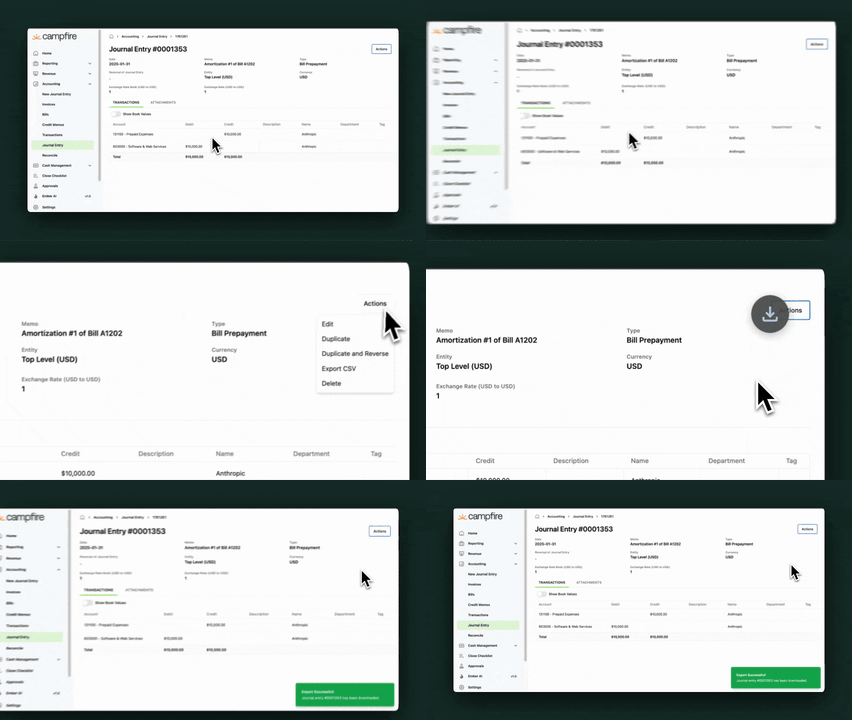
Export individual journal entries to Excel spreadsheets for external analysis and reporting.

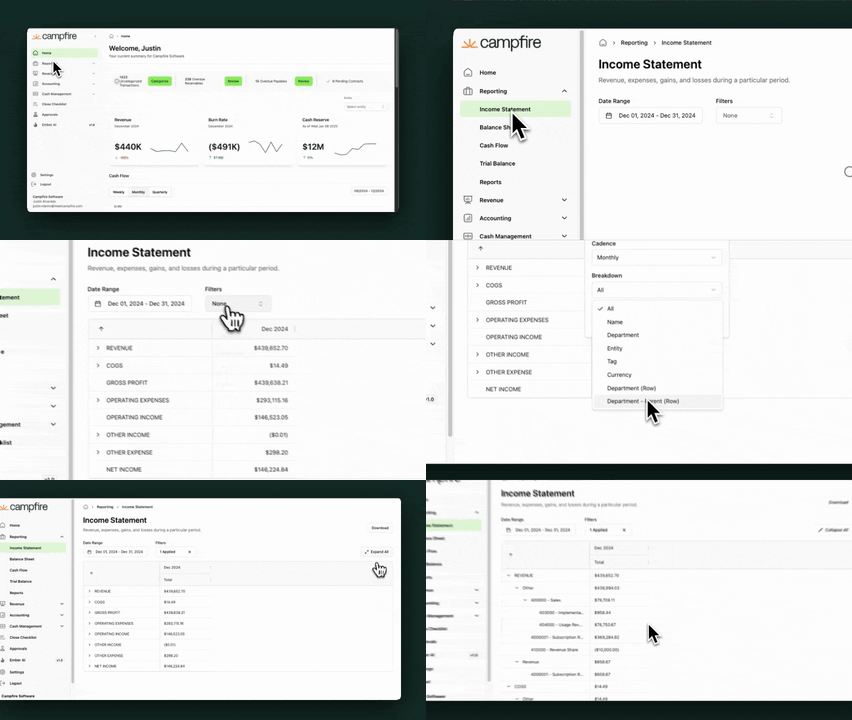
Parent-child department breakdown in the income statement & balance sheet
Report on the breakdown across all parent and child department levels across your organization.

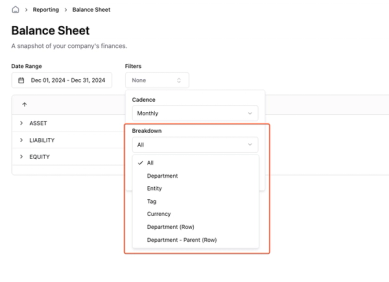
Enhanced dimensional reporting on the balance sheet
Improved reporting on the balance sheet to allow reporting on department (by column), department (by row), and custom tag.

-----
We value your opinions! Please contact us at [email protected] with any feedback.