May Product Update

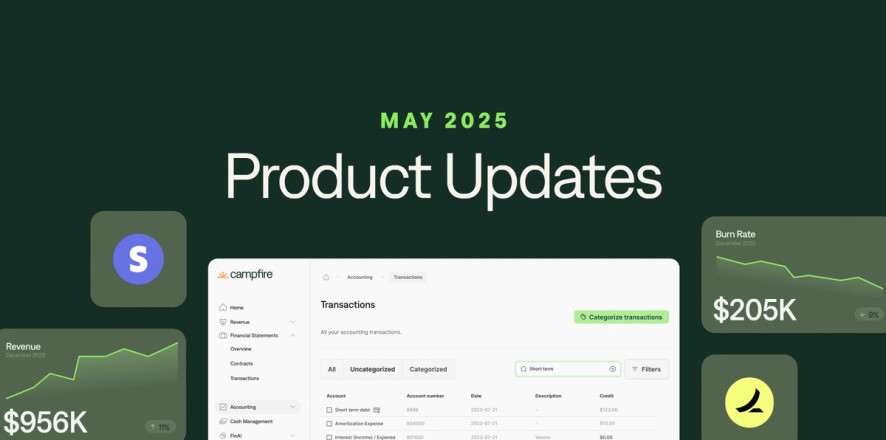


At Campfire, we're constantly working to improve your experience. We’ve been listening to customer feedback and working hard to refine our product.
We shipped 26 new product features in May. Here's a few of our favorites:
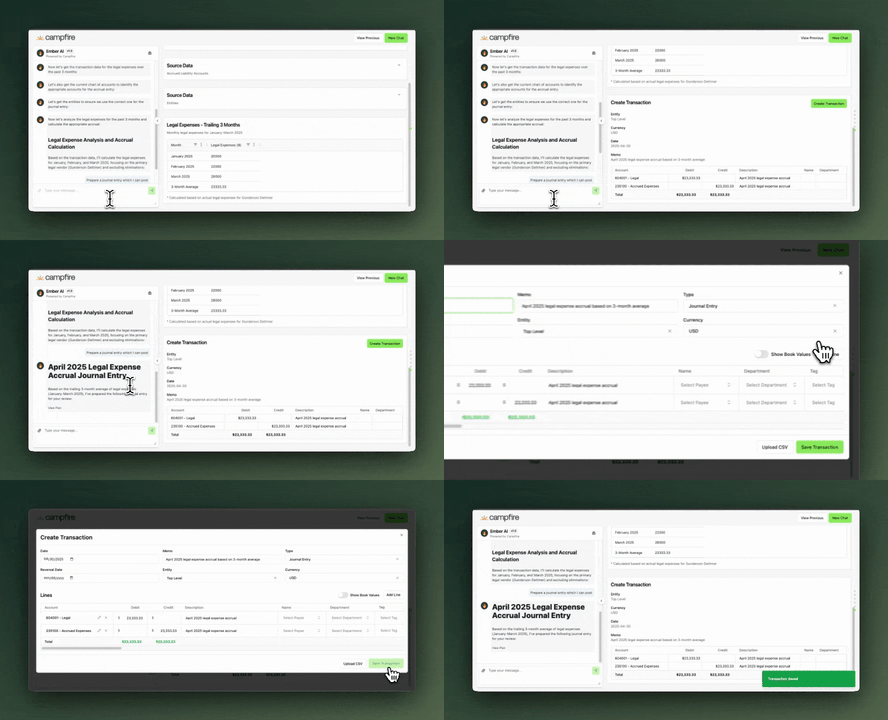
Draft journal entries in Ember AI
Let Ember do the heavy lifting — our AI now drafts journal entries for you based on context, saving time and reducing manual entry errors.

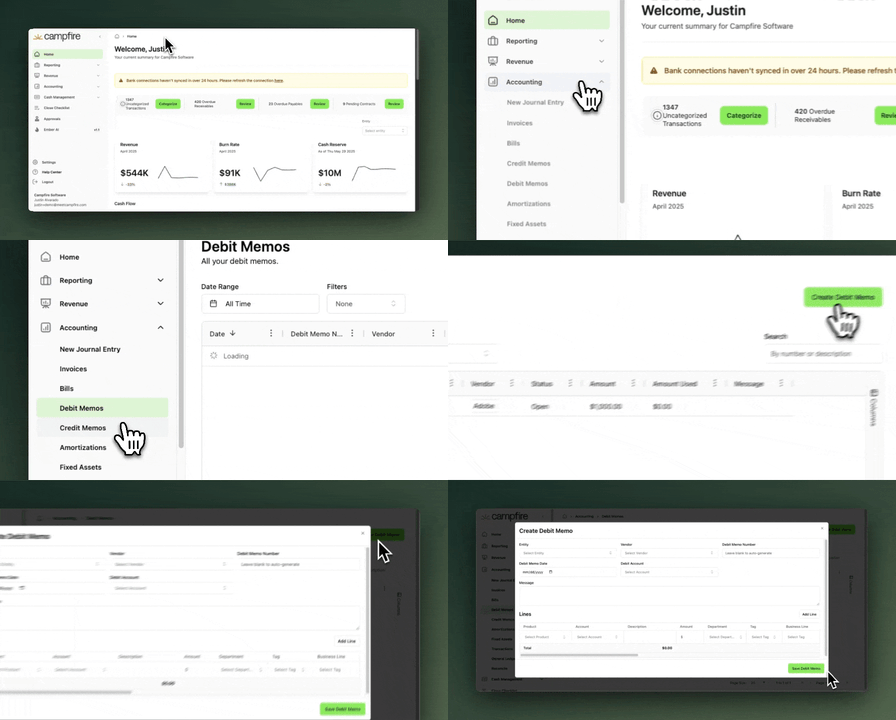
Debit memos
You can now create debit memos directly in Campfire to track vendor credits which can be applied to your bills.
You can create one within the Accounting > Debit Memos page.

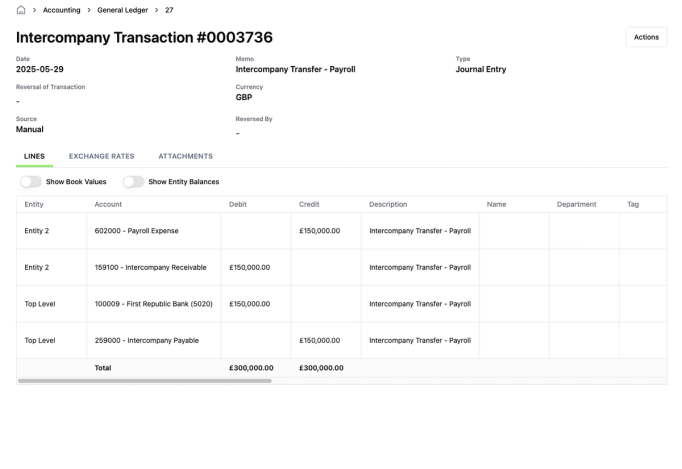
Inter-company Journal Entries
Post inter-company journal entries directly in Campfire to streamline your consolidation workflows.
You can create an inter-company journal entry within the Accounting > New Intercompany Entry.

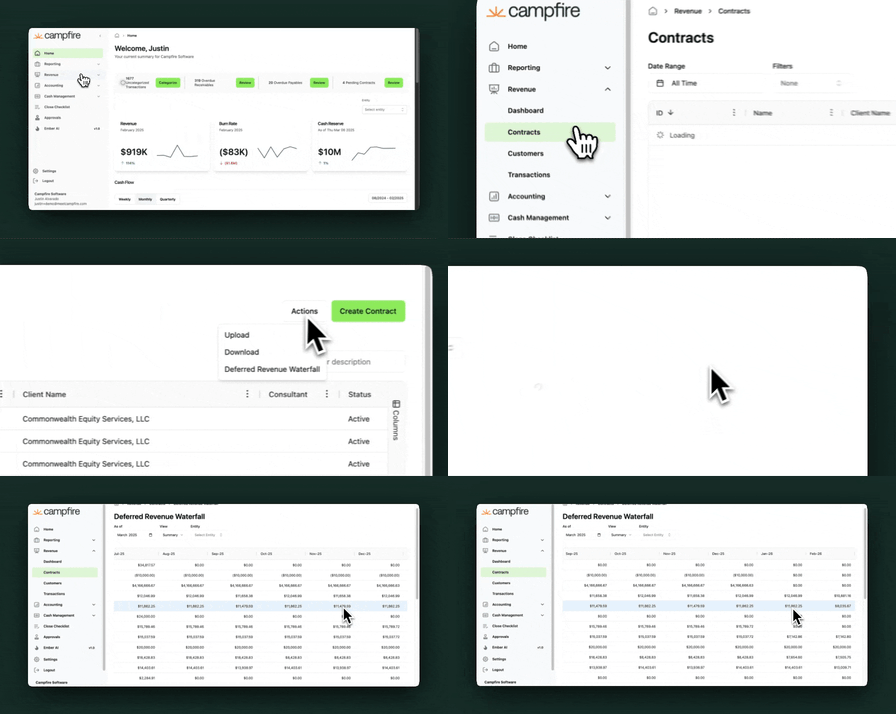
Deferred Revenue Waterfall Gets a Boost
A new "Deferred Revenue" total column has been added to the waterfall report to give a clearer snapshot of recognized vs. remaining balances.

Rippling Payroll Integration
Connect your Rippling account to Campfire and sync payroll data automatically—including department, deduction, and tax mappings.

Budget by Department and Tag
You can now track and compare budgets not just at the entity level—but also across departments and tags for deeper spend control.
Enhanced Prepaid Waterfall Reports
New columns including Vendor name, Department, source account, and destination account in the Prepaid Waterfall Report help you better track remaining balances and amortization detail.
Access your waterfall via selecting Accounting in the sidebar > Amortizations > Actions > View Waterfall.
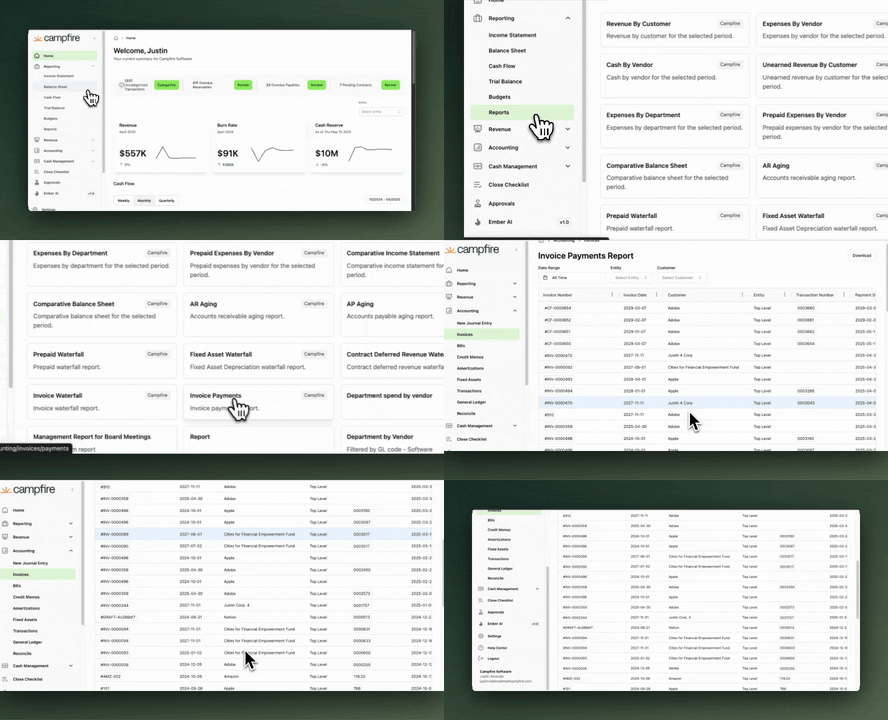
Customer Invoice Payments Report
View all invoice payments over a selected date range in one consolidated report, making cash tracking and audits a breeze.
You can access this report within Reports > Invoice Payments.

Usage Invoices Made Easy
Quantities and rates now auto-populate for usage-based line items on your contract invoices—no more manual entry.
Audit Log Page
Stay compliant and accountable with a centralized audit log that tracks every critical action taken across your Campfire account.
You can access the log via your Settings > Audit Log.
New integrations: City National Bank & Fulton Bank
Customers banking with City National Bank or Fulton Bank can now sync transactions directly into Campfire through our new integration.

-----
We value your opinions! Please contact us at [email protected] with any feedback.