
Campfire + Expensify
Built for high-growth finance teams. Expensify expenses sync to Campfire already reconciled. Close faster without adding headcount.

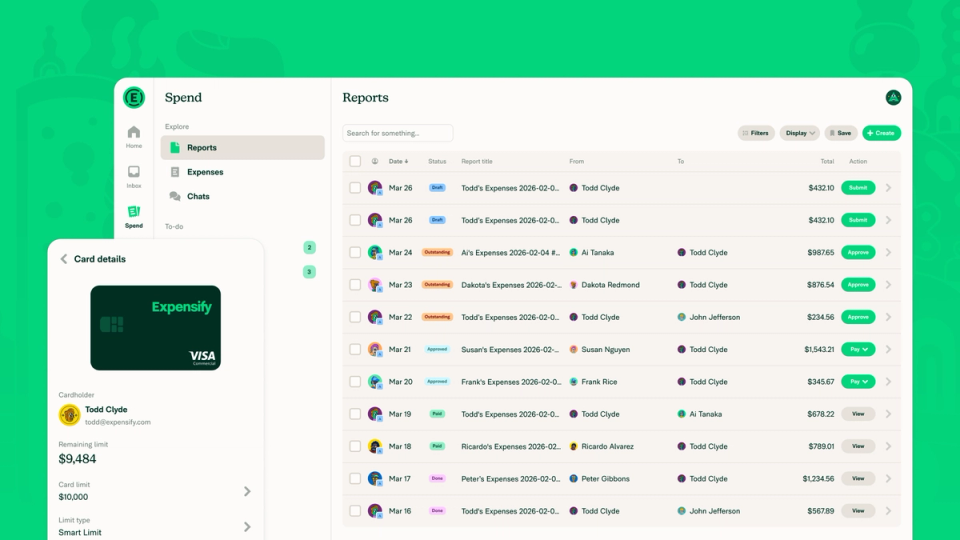
Overview
Expensify is the easiest way to do your expenses, travel, and corporate cards. Built for businesses of all sizes and trusted by 15 million members worldwide, Expensify is a top-rated app across G2, TrustRadius, Capterra, and more. Learn more at use.expensify.com.
Why connect Campfire + Expensify
Expensify’s direct integration with Campfire brings faster expense reconciliation, automated receipt sync, and cleaner books. Say goodbye to manual data entry across tools.
- Automatic reconciliation
- Built-in compliance
- Seamless sync between Expensify and Campfire
- ERP friendly expense workflows
Related Integrations
See More from Accounts Payable

Ramp
Sync corporate card spend and expenses for real-time visibility and spend controls.


Brex
Brex spend syncs to Campfire in real time — categorized, coded, and ready for close.

Tipalti
Tipalti global payables sync to Campfire automatically — every payment journalized without manual work.

BILL
BILL accounts payable data syncs to Campfire — invoices and payments journalized automatically.

Procurify
Procurify purchase orders and payments sync to Campfire — AP automated from request to journal entry.


Airwallex
Airwallex global spend syncs to Campfire — multi-currency payments journalized automatically.


Float
Float payments sync to Campfire automatically — Canadian AP journalized without manual work.

Payhawk
Payhawk corporate spend syncs to Campfire — European AP journalized automatically.

Routable
Routable payments sync to Campfire automatically — AP journalized from invoice to payment.


Zip
Purchase requests and approved spend sync to Campfire — procurement journalized from intake to invoice.